WordPress On-Page SEO: The Ultimate Guide to Foundational Optimization
Welcome to the first instalment of our comprehensive new series, where we’ll demystify the art and science of Search Engine Optimization (SEO) for WordPress websites. This guide is your ultimate roadmap to mastering WordPress On-Page SEO, starting with the absolute essentials. We’ll show you how to ensure that your site’s speed translates into visibility and traffic.
For many website owners, the term “SEO” can feel intimidating, but at its core, WordPress on-page SEO is about communicating clearly with search engines and, most importantly, with your human audience. It’s the practice of optimizing individual web pages to rank higher and earn more relevant traffic. By mastering the fundamentals we’ll cover here, you lay a solid foundation for all your future SEO efforts.
What is On-Page SEO and Why Does it Matter?
Think of your website as a library. Search engines like Google are librarians trying to organize the millions of books (your web pages) in the world. On-page SEO is the process of giving your books clear titles, well-written summaries (meta descriptions), and a logical table of contents (headings). When done right, it helps the librarians understand exactly what each book is about, making it easier for them to recommend your content to the right people.
Without effective WordPress On-Page SEO, even the most brilliant content can get lost in the noise. It ensures that when someone types a query into Google, your content has a fair chance of ranking well. It’s the difference between hoping for traffic and actively earning it. If your existing pages have already slipped down the rankings, our SEO Rescue service can help you recover lost ground.
The Heart of WordPress On-Page SEO: The Focus Keyword
Every single post or page on your website should be built around a single, specific topic. That topic is represented by your focus keyword or key phrase. For example, if you’re writing a guide on how to bake a cake, your focus keyword might be “how to bake a cake.”
Choosing the right focus keyword is the most important step of your WordPress On-Page SEO journey. It’s a mix of understanding your audience and using the right tools.
- User Intent: What is the user’s goal when they search for your keyword? Are they looking for information (“how to…”), looking to buy something (“best… for sale”), or trying to find a specific website? Your content must match the intent.
- Search Volume vs. Competition: High-volume keywords get many searches, but they’re often very competitive. For a new site, it’s often better to target “long-tail keywords”-longer, more specific phrases with lower search volume but less competition. For example, instead of “cake,” you might target “vegan chocolate cake recipe for beginners.”
Once you have your focus keyword, it’s time to strategically place it in all the right places.
The Essential Elements of WordPress On-Page SEO
This is where you get hands-on with your content. Using a good SEO plugin for WordPress (like Yoast SEO or Rank Math) can make this process incredibly simple, guiding you with checklists and real-time feedback.
A. The SEO Title and Meta Description
- SEO Title: This is the clickable headline that appears in search results. It is arguably the most important on-page factor. Your SEO title should be compelling, concise (under 60 characters), and contain your focus keyword as close to the beginning as possible. It is a direct signal to search engines about the page’s topic.
- Meta Description: This is the short summary (under 160 characters) that appears below the SEO title in search results. While it’s not a direct ranking factor, it’s crucial for encouraging clicks. Your meta description should summarize the content, include your focus keyword, and act as a mini-advertisement for your page.
B. Headings (H1, H2, H3…)
Think of your headings as the structure of your content. The H1 is your main title. The H2s are the main sections of your article, and H3s are sub-sections.
- H1 Tag: Every page should have exactly one H1 tag, which should be your post title and contain your focus keyword. This reinforces the main topic of your page to both search engines and readers.
- H2 and H3 Tags: Use H2s to break up your content into logical, easy-to-read sections. Sprinkle long-tail keyword variations and related phrases in your subheadings to provide more context and improve the overall topical relevance of your page.
C. Content and Keyword Placement
- Keyword Density: Forget about a magic number. The goal is to use your focus keyword naturally and contextually throughout your content. Mention it in the first paragraph, and a few times throughout the body. Don’t “stuff” the keyword, as this can be seen as spammy and hurt your rankings.
- Content Quality: This is the most critical WordPress on-page SEO factor. Google’s algorithms are designed to reward high-quality, in-depth content that truly helps the user. Aim for a word count of at least 1000 words. Provide unique value, answer user questions, and back up your claims with evidence.
D. Image Optimization
Images are a crucial part of your content, but they can also be a major SEO downfall if not optimized. A fast, well-configured host also helps your images load quickly, which is why our fast local hosting is built for South African audiences.
- File Name: Give your images descriptive, keyword-rich file names before uploading them (e.g., on-page-seo-checklist.jpg).
- Alt Text: This is a brief description of the image that is used by screen readers and helps search engines understand the image’s content. Include your focus keyword here where relevant, but always prioritize describing the image accurately for accessibility purposes.
Internal and External Linking
- Internal Linking: When you link from one page on your site to another, you’re not just helping users navigate; you’re also telling search engines that both pages are related and important. This is a key part of building a strong site structure. For a deeper understanding of SEO, check out our guide on WordPress Performance Optimization.
- External Linking: Linking to other high-authority, relevant websites signals to Google that your content is well-researched and trustworthy. Use external links to cite sources or provide additional information for your readers. A great resource for more on-page tips is the Google SEO Starter Guide.
Keeping all of this maintained over time is a job in itself. Our monthly SEO maintenance plan keeps your on-page optimisation, links, and content fresh month after month, while our website maintenance service handles updates, backups, and security in the background.
Conclusion and What’s Next?
Mastering WordPress On-Page SEO is the first and most critical step in building a successful online presence. By focusing on quality content, strategic keyword placement, and a user-first mindset, you lay the groundwork for long-term organic growth.
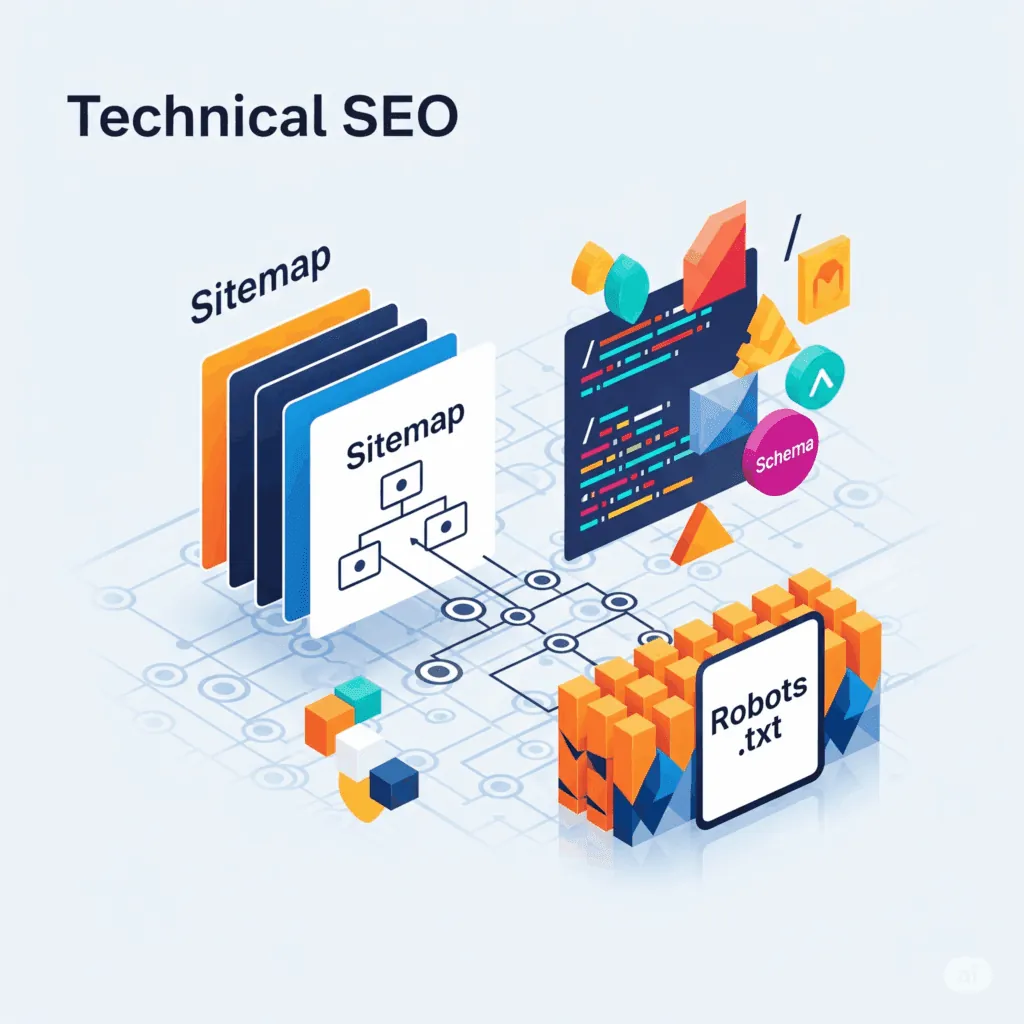
This is just the beginning. In Part 2 of our series, we’ll dive into the world of Technical SEO, where we’ll discuss how to improve your site’s crawlability, security, and structure to get your content seen by the right audience. Stay tuned!
Need a Fast, Professional WordPress Website?
JWD Website Design builds high-performance WordPress websites for South African businesses. We handle the setup, speed optimisation, security, and ongoing maintenance so you can focus on running your business. Browse our website design packages in the shop, or request a free quote and let’s get your site ranking.
Related reading: What Is SEO? • Why Do SEO? • WordPress Technical SEO • SEO for Small Businesses • SEO Rescue South Africa
Related reading: WordPress Technical SEO Settings: What to Check in Your Dashboard.
Frequently Asked Questions
What is on-page SEO for WordPress?
On-page SEO is the practice of optimising individual web pages so they rank higher and earn more relevant traffic. It is about communicating clearly with search engines and your human audience. Think of it as giving your pages clear titles, well-written meta descriptions, and a logical structure of headings, so Google understands exactly what each page is about and can recommend it to the right people.
How long should an SEO title and meta description be?
Your SEO title is the clickable headline in search results and should be compelling, concise, and under 60 characters, with your focus keyword as close to the beginning as possible. Your meta description is the short summary below it and should stay under 160 characters. While the meta description is not a direct ranking factor, it is crucial for encouraging clicks and acts as a mini-advertisement for your page.
How many H1 tags should a WordPress page have?
Every page should have exactly one H1 tag, which should be your post title and contain your focus keyword. This reinforces the main topic to both search engines and readers. Use H2s to break content into logical, easy-to-read sections and H3s for sub-sections, sprinkling long-tail keyword variations into your subheadings to improve topical relevance.
What is a focus keyword and how do I choose one?
A focus keyword is the single, specific topic each page is built around. Choosing it is the most important step and combines understanding your audience with the right tools. Match the user intent behind the search, whether informational, transactional, or navigational. For a new site, target long-tail keywords, which are longer, more specific phrases with lower search volume but less competition.
How can JWD help if my WordPress pages have lost rankings?
If your existing pages have slipped down the rankings, our SEO Rescue service can help you recover lost ground for a once-off R2500. To keep your on-page optimisation, links, and content fresh month after month, our monthly SEO maintenance plan is R850 per month, and our website maintenance service handles updates, backups, and security at R450 per hour.