WordPress Technical SEO

Welcome back to our WordPress SEO series! In Part 1, we covered the essential building blocks of on-page optimization. Now, we’re diving into the crucial, often unseen aspects that ensure search engines can effectively find, crawl, and understand your website. This guide is dedicated to helping you master WordPress Technical SEO and unlock even greater search engine visibility. A strong foundation in WordPress Technical SEO is paramount for achieving top rankings in competitive search results, especially here in Cape Town and beyond.
Technical SEO refers to optimizing the underlying structure and infrastructure of your website. While engaging content and keyword-rich on-page elements are vital, without a solid technical SEO setup, your site might struggle to get properly indexed and ranked. Think of WordPress Technical SEO as ensuring your website speaks the same language as search engine bots, making their job easier and ultimately benefiting your site’s performance. Let’s explore the key components that make up effective WordPress Technical SEO.
1. Laying the Groundwork: Crawlability and Indexability for Robust WordPress Technical SEO
Before Google and other search engines can rank your brilliant content, they first need to be able to find and access it. This is where crawlability and indexability become central to your WordPress Technical SEO strategy.
- Crawlability: Can search engine bots effectively navigate and explore all the important pages on your website?
- Indexability: Once crawled, can search engines analyze and add your pages to their index, making them eligible to appear in search results?
Ensuring both are in excellent shape is fundamental to successful WordPress Technical SEO.
A. The Indispensable XML Sitemap
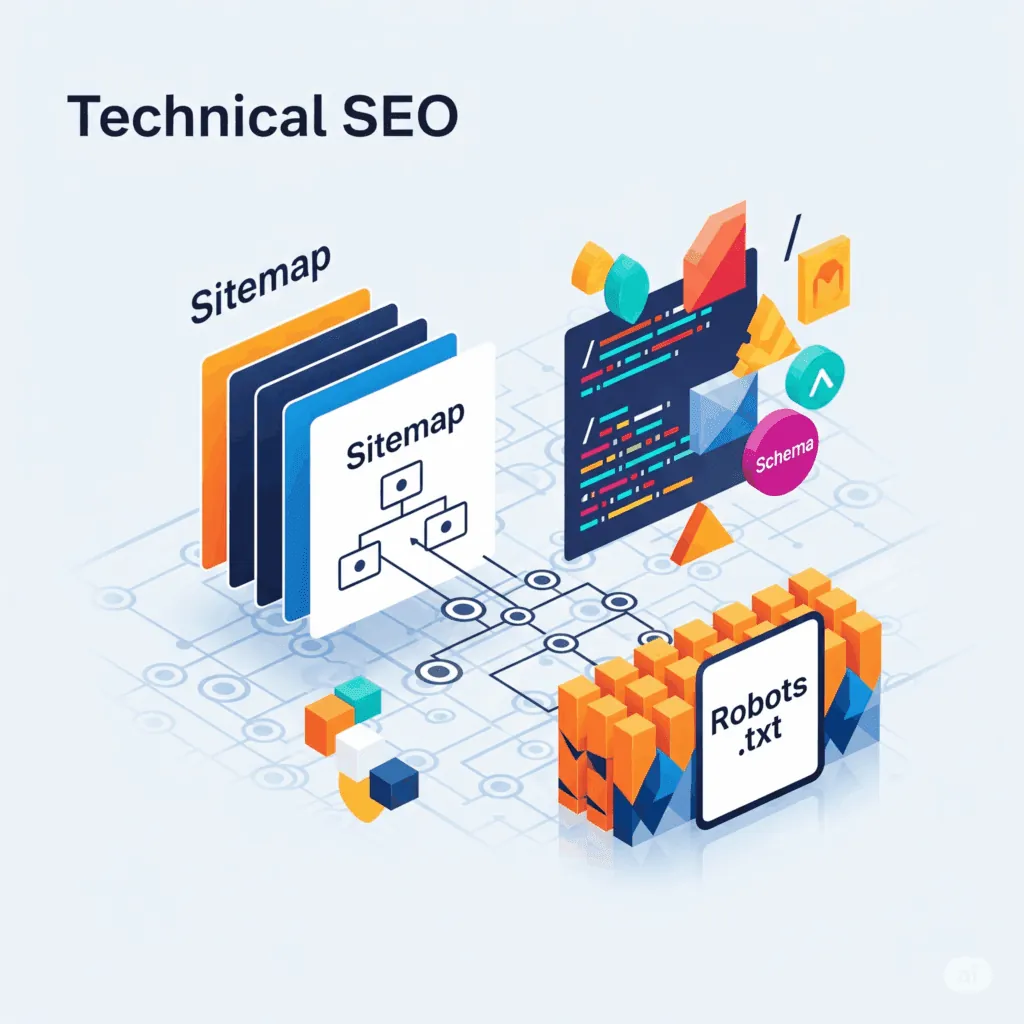
An XML sitemap acts as a digital roadmap for your website, clearly listing all your important pages and their relationships. It simplifies the discovery process for search engine crawlers, especially for larger websites or those with complex structures. Integrating an XML sitemap is a key element of effective WordPress Technical SEO. Most popular WordPress SEO plugins, such as Yoast SEO and Rank Math, offer automatic XML sitemap generation. After creation, remember to submit your sitemap to Google Search Console.
B. Strategic Use of the robots.txt File
The robots.txt file is a plain text file located in your website’s root directory. It provides instructions to search engine bots about which areas of your site they are permitted or restricted from crawling. This is a valuable tool for managing your crawl budget and preventing bots from accessing non-essential or private areas. Exercise caution when editing this file, as incorrect directives can inadvertently block search engines from your valuable content. If technical configuration feels daunting, our SEO services can handle the heavy lifting for you.
2. Structuring for Success: Optimizing Site Architecture and URLs
A well-defined site structure enhances user navigation and signals the importance of different content to search engines. Aim for a logical hierarchy where users can easily find what they need, and search engine bots can understand the relationships between your pages. This is a crucial aspect of WordPress Technical SEO.
- Clean and Descriptive URLs: Your website URLs should be user-friendly and provide context about the page’s content. Include relevant keywords and avoid long strings of numbers or characters.
- Ideal: yourdomain.com/wordpress-technical-seo-guide
- Suboptimal: yourdomain.com/?p=987
3. Enhancing Understanding: Implementing Structured Data (Schema Markup)
Structured data, often referred to as schema markup, is code you can add to your WordPress site to provide search engines with explicit information about the content on your pages. This helps them understand the meaning and context of your content, potentially leading to rich snippets and enhanced visibility in search results. Implementing relevant schema is a powerful WordPress Technical SEO tactic. For instance, if you have a recipe, schema markup can highlight ingredients, cooking time, and reviews directly in the search results. Utilize plugins or Google’s Structured Data Markup Helper to implement schema effectively.
4. The Speed Imperative: Site Performance and Core Web Vitals in WordPress Technical SEO
We dedicated an entire previous series to website speed, and its significance in WordPress Technical SEO cannot be overstated. Site speed is a direct ranking factor, and Google’s Core Web Vitals (Largest Contentful Paint, First Input Delay, and Cumulative Layout Shift) are crucial metrics for evaluating user experience and, consequently, SEO performance. Optimize your images, leverage caching, and ensure efficient code to improve these vital metrics. You can analyze your site’s Core Web Vitals using Google Search Console and PageSpeed Insights. Speed also depends heavily on your server, so pairing your site with fast local hosting gives these metrics a real advantage.
5. Reaching Everyone: Mobile-Friendliness as a Technical SEO Must-Have
With the majority of web traffic originating from mobile devices, ensuring your WordPress website is fully mobile-friendly is a non-negotiable aspect of WordPress Technical SEO. Google employs mobile-first indexing, meaning it primarily uses the mobile version of your site for indexing and ranking. Choose a responsive WordPress theme and regularly test your site’s mobile experience. If your current theme is letting you down, our website design packages are built mobile-first from the ground up.
6. Building Trust: The Importance of HTTPS Security
HTTPS (Hypertext Transfer Protocol Secure) encrypts the communication between your website and your visitors’ browsers, ensuring data privacy and security. Google considers HTTPS a ranking signal. Most reputable hosting providers now offer free SSL certificates, making the transition from HTTP to HTTPS straightforward. Securing your WordPress site with HTTPS is a fundamental aspect of responsible WordPress Technical SEO.
7. Avoiding Confusion: Canonicalization for WordPress Technical SEO
Duplicate content can confuse search engines and dilute your SEO efforts. This can occur when the same content is accessible through multiple URLs (e.g., www.yourdomain.com and yourdomain.com). Canonical tags (rel=“canonical”) are HTML attributes that specify the preferred or “canonical” version of a page to search engines, helping to consolidate link equity and prevent duplicate content issues. Ensure your SEO plugin correctly implements canonical tags across your website.
Conclusion and What’s Next?
Mastering WordPress Technical SEO is about building a strong, reliable foundation for your website. By ensuring your site is crawlable, fast, and secure, you create an environment where your content can thrive in search rankings. For more on how these factors relate to speed and performance, be sure to read our article on WordPress Performance Optimization. If your rankings have already slipped, our SEO Rescue service can diagnose and fix the technical issues holding you back.
In Part 3 of our series, we’ll shift gears and explore the powerful realm of Off-Page SEO, where we’ll discuss the art of earning high-quality backlinks and building your site’s authority. Stay tuned for more actionable insights!
Sources:
- The Complete Guide to WordPress Technical SEO
- Technical SEO Techniques and Strategies
- 14 Technical SEO Tools You Need to Start Using
Need a Fast, Professional WordPress Website?
JWD Website Design builds high-performance WordPress websites for South African businesses. We handle the setup, speed optimisation, security, and ongoing maintenance so you can focus on running your business. Browse our website design packages or get a free quote to get started today.
Related reading: WordPress On-Page SEO • What Is SEO? • Why Do SEO? • SEO Rescue South Africa • Speed Up WordPress Fast
Common technical SEO mistakes on WordPress (and how to avoid them)
One technical setting catches more WordPress owners off guard than any other: the “Discourage search engines from indexing this site” option under Settings then Reading. WordPress uses it to keep your site out of the index while you build. If it stays ticked after launch, your whole site can stay invisible to Google no matter how good the rest of your technical SEO is. Always confirm it is unticked once you go live.
WordPress technical SEO checklist
Use this as a quick run-through before and after launch. Each item links back to the section above where we explain it in full.
| Item | What to check | WordPress how-to |
|---|---|---|
| XML sitemap | A sitemap exists and is submitted to Google Search Console | Enable it in Yoast SEO or Rank Math, then submit the URL in Search Console |
| robots.txt | Bots can reach your important pages and are not blocked by mistake | Review the file in your site root or via your SEO plugin, edit with care |
| HTTPS | Every page loads securely over HTTPS, with no HTTP mixed in | Install a free SSL certificate from your host and confirm all URLs use HTTPS |
| Core Web Vitals | LCP, FID and CLS are in good shape | Optimise images, enable caching and use efficient code; check PageSpeed Insights and Search Console |
| Schema markup | Search engines get explicit context about your content | Add relevant schema with your SEO plugin or Google’s Structured Data Markup Helper |
| Indexing | ”Discourage search engines” is unticked after launch | Settings then Reading in your WordPress dashboard |
| Canonical tags | One preferred URL is set per page to avoid duplicate content | Confirm your SEO plugin is outputting canonical tags correctly |
| Mobile-friendliness | The site works well on mobile, since Google indexes mobile-first | Use a responsive theme and test on real devices |
Want this handled for you? Our website design packages are built mobile-first and SEO-ready from the start.
Frequently Asked Questions
What is technical SEO in WordPress?
Technical SEO means optimising the underlying structure and infrastructure of your website rather than its content. It ensures search engines can find, crawl, and understand your site. Without a solid technical setup, even great content and keyword-rich pages can struggle to get properly indexed and ranked. Think of it as making your site speak the same language as search engine bots.
Do I need an XML sitemap for my WordPress site?
Yes. An XML sitemap acts as a digital roadmap that lists your important pages and their relationships, simplifying discovery for search engine crawlers, especially on larger or complex sites. Popular WordPress SEO plugins like Yoast SEO and Rank Math generate sitemaps automatically. Once created, remember to submit your sitemap to Google Search Console.
What is the robots.txt file used for?
The robots.txt file is a plain text file in your website’s root directory that tells search engine bots which areas they may or may not crawl. It helps you manage your crawl budget and keep bots out of non-essential or private areas. Edit it carefully, because incorrect directives can accidentally block search engines from your valuable content.
What are Core Web Vitals and why do they matter for SEO?
Core Web Vitals are Google’s metrics for evaluating user experience: Largest Contentful Paint, First Input Delay, and Cumulative Layout Shift. Site speed is a direct ranking factor, so these metrics affect your SEO performance. Improve them by optimising images, leveraging caching, and ensuring efficient code. You can check your scores in Google Search Console and PageSpeed Insights.
Why does HTTPS matter for WordPress SEO?
HTTPS encrypts the communication between your website and your visitors’ browsers, protecting data privacy and security. Google treats HTTPS as a ranking signal. Most reputable hosting providers now offer free SSL certificates, making the move from HTTP to HTTPS straightforward, so securing your WordPress site this way is a fundamental part of responsible technical SEO.