
How to Speed Up WordPress Fast 2025: The Ultimate Performance Guide
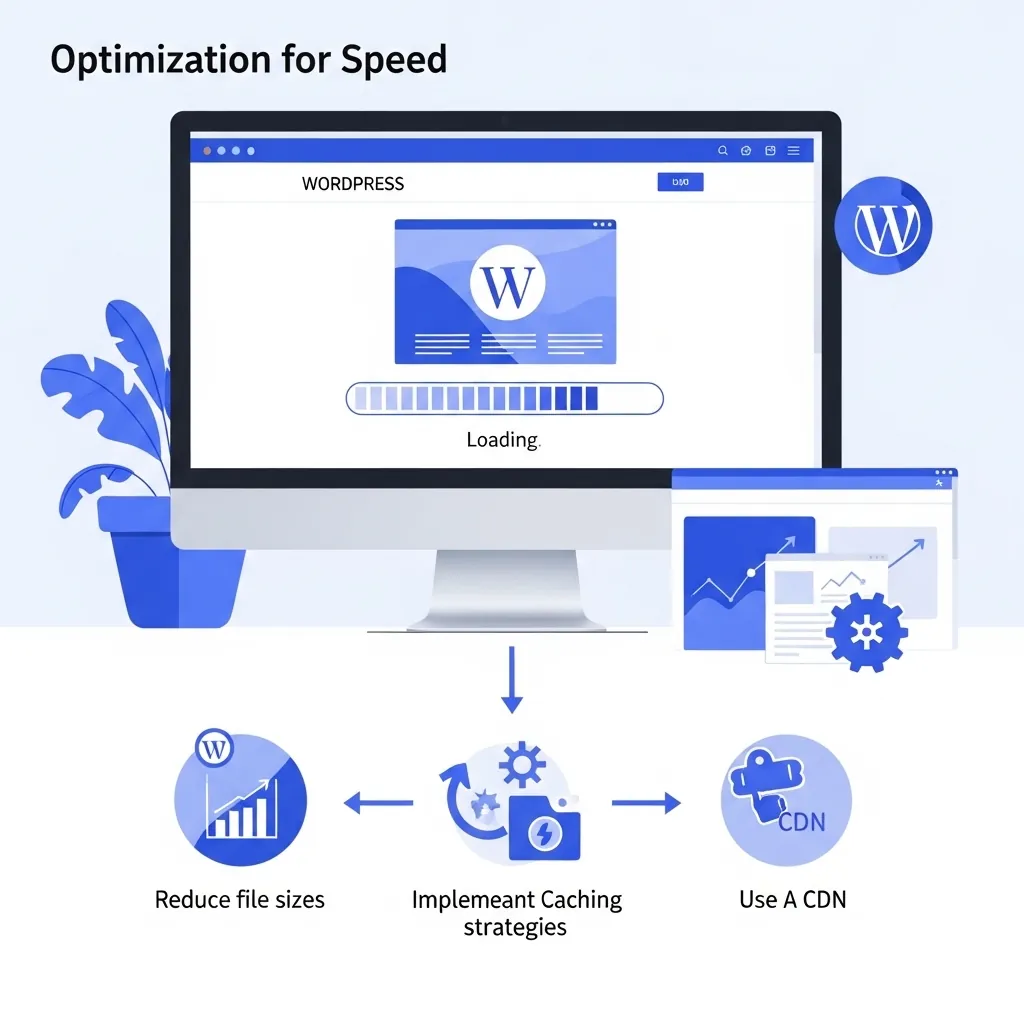
If you’re reading this, you’re already ahead of the curve. If you first want to understand what is dragging your site down, our guide on why your WordPress website is so slow explains the common causes in plain language. In 2025, a sluggish website isn’t just an inconvenience-it’s a business liability. Page speed is no longer a fringe technical concern; it’s a core component of your digital success, directly impacting everything from your Google search rankings to your bottom line. We’ve moved beyond the days when a few extra seconds of loading time were an acceptable compromise. Today, users expect instant access, and search engines reward websites that deliver on that expectation.
Studies from leading web analytics firms show a direct correlation between site speed and user behavior. Websites that load in under two seconds see average session times increase by up to 70%, experience dramatically higher engagement, and achieve significantly lower bounce rates. For an e-commerce store, a one-second delay can translate to a 7% reduction in conversions. With Google’s continued focus on Core Web Vitals and mobile-first indexing, the case for a lightning-fast site has never been more critical.
This isn’t just a checklist of technical jargon. This is a complete, human-readable guide designed to show you proven, fast-acting strategies to dramatically improve your WordPress website’s speed. We’ve tailored these techniques for modern tools and user expectations in 2025, ensuring your site is not just fast, but future-proof. So, let’s get started on this journey to a faster, more successful website.
1. The Foundation: Choose High-Speed Hosting
Think of your website hosting as the engine of a race car. You can have the most beautiful body and the finest tires, but if the engine is weak, you’ll never win the race. The single biggest, most impactful decision you can make for your WordPress performance starts with your hosting provider. Don’t fall for the trap of “unlimited” cheap shared hosting. It’s the digital equivalent of a congested highway, where hundreds of websites compete for limited resources, leaving everyone stuck in traffic.
To genuinely speed up WordPress fast 2025, you need a host built for modern performance. Our fast local hosting is built for exactly this. Look for providers that offer:
- NVMe SSD Storage: This isn’t your old spinning hard drive. NVMe (Non-Volatile Memory Express) SSDs are the fastest storage technology available, drastically reducing the time it takes for your server to access your website’s files.
- HTTP/3 Protocol: The latest and greatest internet protocol. HTTP/3 offers significant performance improvements over its predecessors, especially on mobile networks, by reducing latency and improving data transfer speeds.
- Free CDN & SSL: A free, integrated CDN (Content Delivery Network) and SSL certificate should be non-negotiable. We’ll talk more about CDNs below, but having it built-in simplifies your setup and improves security.
- Built-in Object/Page Caching: A good host handles some of the caching for you on the server level, which is often more efficient than a plugin alone. This is a huge win for performance.
Recommended Hosting Providers in 2025
- Kinsta: A top-tier, managed WordPress host that provides blazing-fast speeds right out of the box with their custom-built infrastructure, Google Cloud Platform integration, and advanced caching.
- Cloudways: A highly flexible solution that lets you choose from multiple cloud providers (like DigitalOcean, Vultr, or AWS) while providing a simplified management dashboard. It’s perfect for those who want cloud performance without the technical hassle.
- SiteGround: A fantastic all-rounder known for its user-friendly interface, excellent support, and proprietary caching technology (SuperCacher). It’s a great choice for beginners and pros alike.
Upgrading your hosting can feel like a big step, but it’s the most foundational change you can make to speed up WordPress fast 2025. If you’d rather not manage servers yourself, our .co.za annual hosting keeps your site fast and local. Don’t hesitate to make the switch if your current host is holding you back.
2. A Slim & Trim Website: Use a Lightweight Theme
Many of us are guilty of this: we get excited by a beautiful, feature-rich theme only to realize it’s a performance nightmare. These themes are often bloated with dozens of JavaScript libraries, unnecessary CSS, and bulky frameworks that load on every single page, whether they’re needed or not. To speed up WordPress fast 2025, you need to use a theme designed with a “less is more” philosophy.
Lightweight themes are built to be fast first. They provide a solid, clean foundation that works seamlessly with Gutenberg and other modern page builders. They let you add functionality with plugins, rather than having bloated features baked into the theme itself.
Top Choices for a Fast WordPress Site
- GeneratePress: An incredibly lightweight, modular theme that has been a benchmark for speed for years. You can add premium features as needed with its add-on modules.
- Astra: Another popular choice known for its speed and deep integration with popular page builders like Elementor and Beaver Builder. It’s highly customizable without the bloat.
- Neve: A fast, AMP-ready, and mobile-optimized theme that’s perfect for blogs and business websites. It’s built to deliver excellent Core Web Vitals scores.
These themes are not only fast, but they’re also mobile-optimized and ready for modern web standards, which is essential for a high-performing site in 2025. If you’d prefer a professionally built, speed-first site, take a look at our business website packages.
3. The Power of Caching: Install a High-Quality Caching Plugin
Caching is your site’s secret weapon. Imagine your server as a chef who has to prepare every meal from scratch every time a customer orders. Caching is like having a pre-prepared, delicious meal ready to serve instantly. It saves a static version of your web pages, so when a user visits, the server doesn’t have to go through the entire process of querying the database, fetching content, and running scripts. This can reduce load times by over 60%, a massive win for anyone trying to speed up WordPress fast 2025.
Top Plugins to Supercharge Your Site
- WP Rocket: Widely considered the best premium option. It’s a “set it and forget it” plugin that delivers incredible results with minimal configuration. It handles page caching, browser caching, lazy loading, minification, and much more.
- LiteSpeed Cache: The best free option if your host uses LiteSpeed servers. It offers server-level caching that’s extremely efficient and provides a wide array of optimization features.
- W3 Total Cache: A powerful, but more complex, free plugin for advanced users. It requires more manual configuration but offers granular control over every caching setting.
When configuring your caching plugin, make sure you enable:
- Page Caching: The most important feature. It saves static HTML files of your pages.
- Browser Caching: Instructs the user’s browser to save static assets (like images and CSS files) so they don’t have to re-download them on subsequent visits.
- Object Caching: Especially useful for sites with high traffic or complex back-end operations, it saves database query results to reduce server load.
4. Smart Images: Optimize with Compression and Next-Gen Formats
Images are often the biggest culprit for slow-loading websites. A single high-resolution image can be larger than all your other files combined. To truly speed up WordPress fast 2025, you must embrace modern image optimization techniques.
Critical Tips for Image Optimization
- Convert to WebP or AVIF: These “next-gen” formats are specifically designed for the web and can offer significant file size reductions (25-50% or more) compared to traditional JPEGs and PNGs without a loss in quality.
- Compress Your Images: Before uploading, or using a plugin, compress your images. Tools like TinyPNG, ShortPixel, or Imagify can automatically optimize images on upload.
- Lazy Load All Images: Lazy loading ensures that images only load when they are about to be visible in the user’s viewport. This is a game-changer for long pages, and since 2020, it’s a native feature in WordPress.
Pro-Tip for SEO: Always add descriptive alt tags. For example, alt=“speed up WordPress fast 2025 with image optimization tips” not only helps screen readers but also provides valuable context for search engines, boosting your image SEO.
5. Streamline Your Code: Minify and Combine Assets
Every website loads a collection of CSS and JavaScript files to handle styling and functionality. Each of these files requires a separate “request” to the server. Minifying and combining these assets reduces the number of requests and the overall file size.
- Minify: The process of removing unnecessary characters from code (like white space and comments) without changing its functionality.
- Combine: Merging multiple CSS files into one and multiple JS files into another.
Recommended Tools
- Autoptimize: A powerful and popular free plugin that does a fantastic job of minifying and combining CSS and JS.
- Asset CleanUp: This plugin gives you granular control, allowing you to selectively unload scripts and styles that aren’t needed on a particular page.
- WP Rocket: As mentioned, this premium plugin handles minification and file optimization beautifully.
While combining assets was a huge deal with older protocols, with HTTP/2 and HTTP/3, the performance gain is less significant. The most important step is to defer unused JavaScript and remove non-critical CSS to ensure the browser can render the most important parts of your site first.
6. The Gift of Compression: Enable GZIP or Brotli
Compression is a simple but powerful way to reduce the amount of data your server sends to a user’s browser. It works just like a ZIP file on your computer, shrinking the size of your HTML, CSS, and JavaScript files for faster transfer.
- GZIP: The older, more widely supported compression algorithm.
- Brotli: A newer and more efficient compression algorithm developed by Google. It’s supported by all modern browsers and offers superior compression ratios.
Most quality hosting providers enable Brotli by default. If yours doesn’t, you can often enable it through a caching plugin, a .htaccess file, or a service like Cloudflare. You can easily test your site’s compression status with a free online tool to ensure it’s working.
7. Global Reach: Use a CDN (Content Delivery Network)
If you have visitors from different parts of the world, a CDN is a non-negotiable step to speed up WordPress fast 2025. A CDN is a network of servers strategically placed around the globe. It takes your static assets (images, CSS, JS) and caches them on these servers. When a user visits your site, the CDN serves these files from the server closest to them, drastically reducing latency and load times.
Top CDNs in 2025
- Cloudflare: The most popular choice, offering a powerful free plan with excellent security and performance features.
- BunnyCDN: A fast, reliable, and affordable pay-as-you-go CDN that’s perfect for smaller sites.
- Jetpack CDN: A simple, integrated CDN that comes with the Jetpack plugin, making it an easy-to-use option.
Using a properly configured CDN can make your site load 40-70% faster for international visitors.
8. Digital Housekeeping: Clean Your WordPress Database
Over time, your WordPress database can become cluttered with old post revisions, spam comments, transient options, plugin leftovers, and other junk. This bloated database forces your server to work harder to find the information it needs, leading to slow queries and sluggish performance. Keeping it lean is exactly the kind of routine work our website maintenance plans handle for you.
Use a Plugin to Clean Your Database
- WP-Optimize: A fantastic all-in-one plugin that cleans your database, compresses images, and caches your site.
- WP-Sweep: A simple and effective plugin that cleans up orphaned data.
- Advanced Database Cleaner: A more powerful tool for finding and deleting unused tables and options.
Pro-Tip: Limit post revisions in your wp-config.php file. Adding define(‘WP_POST_REVISIONS’, 5); will prevent WordPress from storing an endless number of revisions for every post, keeping your database lean.
9. The Plugin Audit: Limit & Manage Plugins
Every plugin you install adds code to your site. Even if a plugin is inactive, it can still add a small amount of overhead, and active plugins that aren’t used on a specific page can still load scripts sitewide. This is a classic “death by a thousand cuts” scenario that can kill your speed.
Tools for a Healthy Plugin Ecosystem
- Query Monitor: The developer’s best friend. This plugin allows you to see exactly which plugins are creating the heaviest database queries and which are loading the slowest.
- Plugin Organizer: A unique tool that gives you granular control over when and where plugins load, allowing you to disable them on pages where they aren’t needed.
- Perfmatters: A lightweight premium plugin that gives you the ability to disable scripts on a per-page basis and make other small, crucial optimizations.
When it comes to plugins, less is always more. Audit your plugins regularly and ask yourself: “Do I truly need this functionality?“
10. The Ongoing Mission: Monitor Speed Regularly
Optimizing your site for speed isn’t a one-time task-it’s an ongoing process. Web technology changes, new WordPress versions are released, and you’ll install new plugins and content. You need to keep a vigilant eye on your performance.
Recommended Testing Tools
- GTmetrix: Provides a comprehensive report with a breakdown of what’s slowing your site down, along with actionable recommendations.
- PageSpeed Insights: The official tool from Google that measures your site against Core Web Vitals and provides a mobile-first analysis.
- DebugBear: A powerful tool for continuous performance monitoring and detailed analysis.
Test your site’s speed regularly, especially after any major updates or new plugin installations. A quick check can save you from a major performance drop. If your site is already slow and hurting your rankings, our SEO Rescue service can diagnose and fix the underlying issues fast.
What to Expect in Part 2 of Our Series
You’ve just completed the ultimate guide for foundational WordPress speed optimization in 2025. By implementing these ten steps, your website will be faster, more engaging, and better positioned to succeed in the competitive digital landscape. But we’re not done yet.
This is just the first installment of our five-part series. In Part 2 we dive into more advanced, server-side optimizations, exploring topics like server-side caching, fine-tuning your .htaccess file, and making custom code snippets work for you, not against you. We show you how to squeeze every last drop of performance from your hosting environment.
Need a Fast, Professional WordPress Website?
JWD Website Design builds high-performance WordPress websites for South African businesses. We handle the setup, speed optimisation, security, and ongoing maintenance so you can focus on running your business. Browse our website design packages or request a free quote and let’s build you a site that loads in a blink.
Related reading: Advanced WordPress Server Optimisation • Mastering the Critical Rendering Path • Advanced WordPress Debugging • Your Complete WordPress Optimisation Strategy • WordPress Technical SEO
Common WordPress Speed Mistakes
Most slow WordPress sites are not slow because of one big problem. They are slow because of a handful of small, avoidable mistakes that stack up. Here are the ones we see most often, and how to steer clear of them.
- Stacking multiple caching plugins. More caching plugins does not mean more speed. Running two or three at once causes conflicts and unpredictable results. Pick one, configure it properly, and stop there.
- Uploading full-size images straight from a phone or camera. A single oversized image can outweigh the rest of the page. Resize, compress, and use WebP or AVIF before the image ever goes live.
- Optimising once and forgetting. A site that was fast at launch can slow down after months of new content, plugins, and updates. Test regularly so you catch problems early.
If you are not sure which of these is hurting your site, or your rankings have already dropped because of speed, our SEO Rescue service can diagnose the underlying issues and fix them. Routine database and plugin housekeeping is exactly the kind of work our website maintenance at R450/hour handles for you.
Caching Plugin Comparison: WP Rocket vs LiteSpeed Cache vs W3 Total Cache
The three caching plugins recommended above each suit a different setup. This table compares them on factual attributes so you can pick the right one for your site. The notes below reflect how each plugin is described in this guide.
| Attribute | WP Rocket | LiteSpeed Cache | W3 Total Cache |
|---|---|---|---|
| Pricing model | Premium (paid) | Free | Free |
| Best suited for | Anyone wanting a set and forget option | Sites hosted on LiteSpeed servers | Advanced users who want granular control |
| Setup effort | Minimal configuration | Efficient server-level caching | More manual configuration |
| Page caching | Yes | Yes | Yes |
| Browser caching | Yes | Yes | Yes |
| Minification of CSS and JS | Yes | Yes | Yes |
| Lazy loading | Yes | Yes | Yes |
| Server requirement | Works on standard hosting | Needs a LiteSpeed server to use server-level caching | Works on standard hosting |
A quick rule of thumb: if your host runs LiteSpeed, LiteSpeed Cache is the natural free choice. If you want the easiest possible setup and do not mind paying, WP Rocket is the go-to. If you want deep manual control and are comfortable tuning settings, W3 Total Cache gives you the most knobs to turn. Whichever you choose, run only one caching plugin at a time. If you would rather not configure any of this yourself, our website maintenance plans can set it up and keep it tuned.
Rather have it handled for you? See our WordPress speed optimization service for South African businesses.
Frequently Asked Questions
How can I speed up my WordPress site in 2025?
Start with the foundation: choose high-speed hosting, then use a lightweight theme, install a quality caching plugin, optimise images with WebP or AVIF, minify and combine your CSS and JS, enable GZIP or Brotli compression, use a CDN, clean your database, limit your plugins, and monitor speed regularly. These ten foundational steps make your site faster and more engaging.
What should I look for in fast WordPress hosting?
Look for hosting built for modern performance: NVMe SSD storage (the fastest storage available), the HTTP/3 protocol for lower latency, a free integrated CDN and SSL certificate, and built-in object and page caching at the server level. Avoid cheap unlimited shared hosting, where hundreds of sites compete for limited resources. JWD also offers fast local hosting built for exactly this.
Does caching really make WordPress faster?
Yes. Caching saves a static version of your pages so the server does not query the database, fetch content, and run scripts on every visit. The page notes this can reduce load times by over 60%. When configuring a caching plugin, enable page caching, browser caching, and object caching. WP Rocket, LiteSpeed Cache, and W3 Total Cache are all recommended.
Which image formats are best for a fast website?
Use next-gen formats like WebP or AVIF, which are designed for the web and can cut file size by 25 to 50% or more compared to traditional JPEGs and PNGs without losing quality. Also compress images before or during upload using tools like TinyPNG, ShortPixel, or Imagify, and lazy load images so they only load when about to appear in view.
How much can a CDN improve my site speed?
A CDN caches your static assets (images, CSS, JS) on servers around the world and serves them from the location closest to each visitor, cutting latency and load times. The page notes a properly configured CDN can make your site load 40 to 70% faster for international visitors. Popular options include Cloudflare, BunnyCDN, and Jetpack CDN.