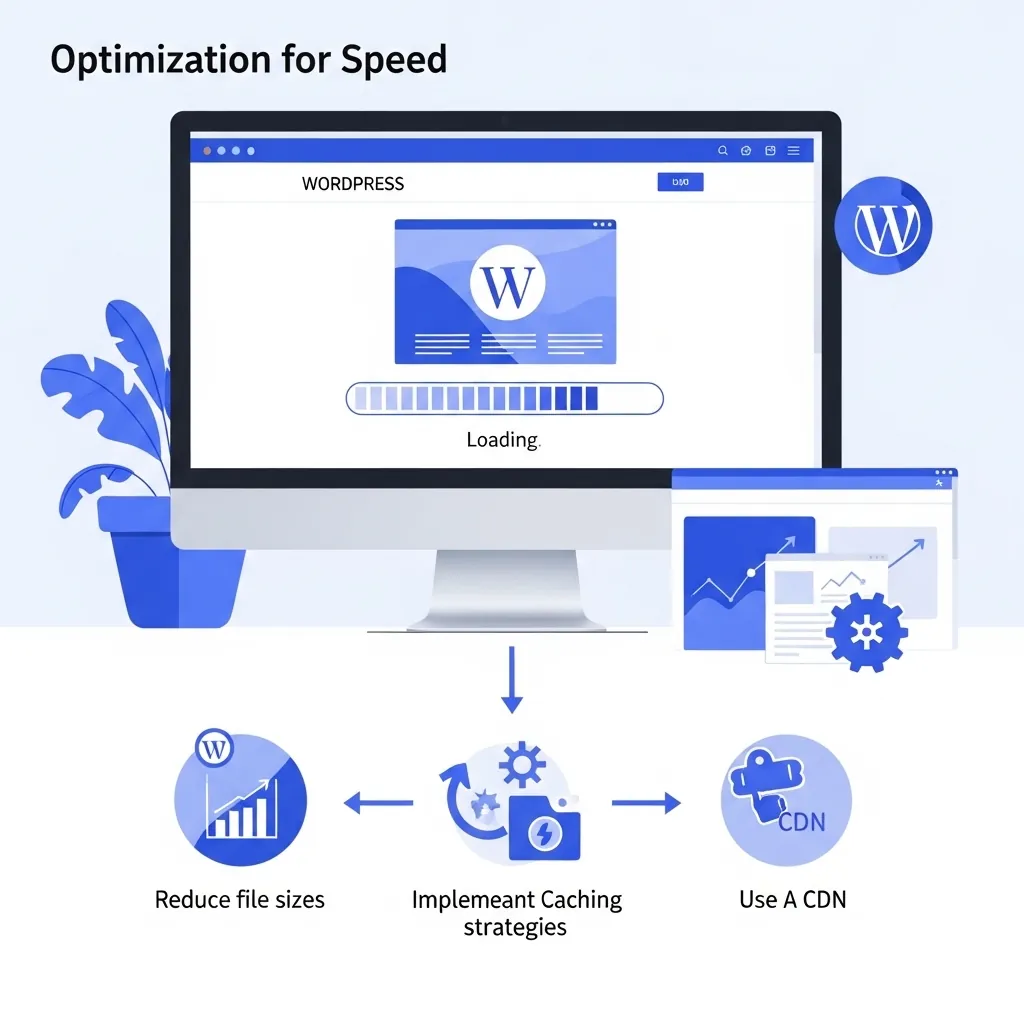
WordPress Server and Hosting Optimisation: PHP, OPcache, Object Caching, HTTP/3 and CDN

Plugins, themes and images get most of the attention in WordPress speed advice, but every page view starts on the server. If PHP is old, bytecode is recompiled on every request, the database is queried for the same data over and over, and nothing is cached before WordPress boots, the front end has a slow start no matter how tidy it is.
This guide covers the server and hosting layer only: PHP, OPcache, object caching, server-level page caching, compression, HTTP/2 and HTTP/3, and CDNs. It is written for developers and technically minded owners who have hosting access, or who need to know what to ask their host. For the dashboard-level fixes (plugins, images, homepage weight), use our DIY WordPress speed checklist instead. For what happens in the browser after the HTML arrives, see our guide to the WordPress critical rendering path.
Start With Server Response Time
Before changing anything, measure how long the server takes to respond. Time to First Byte (TTFB) is the clearest signal of server-side work, and you can see it in the Network panel of Chrome DevTools (the Timing tab on the document request) or from the command line:
curl -o /dev/null -s -w "TTFB: %{time_starttransfer}s\n" https://example.co.za/Test a cached page and an uncached one (for example, add a query string or test while logged in), because the difference tells you how much your page cache is doing and how slow WordPress is when it has to build the page itself. Record the numbers so you can compare after each change.
1. Run a Supported, Current PHP Version
WordPress currently recommends PHP 8.3 or greater, with MySQL 8.0 or greater or MariaDB 10.11 or greater. PHP’s own support table, checked on 25 September 2026, shows these branches as supported:
| PHP branch | Active support until | Security support until |
|---|---|---|
| 8.2 | ended 31 Dec 2024 | 31 Dec 2026 |
| 8.3 | 31 Dec 2025 | 31 Dec 2027 |
| 8.4 | 31 Dec 2026 | 31 Dec 2028 |
| 8.5 | 31 Dec 2027 | 31 Dec 2029 |
Sites on PHP 8.2 lose security support at the end of 2026, so plan the move now. Newer PHP versions generally perform better, but the upgrade is also a compatibility change: test it on a staging copy first, with WP_DEBUG_LOG enabled, and watch for deprecation notices from older plugins and themes. You can confirm the running version under Tools > Site Health > Info > Server or with php -v over SSH (the CLI and web versions can differ, so trust Site Health for what the site actually uses).
2. Make Sure OPcache Is On and Sized Properly
OPcache stores precompiled PHP bytecode in shared memory, so PHP does not have to load and parse every script on every request. It has been bundled with PHP since 5.5, and most hosts enable it, but it is worth confirming rather than assuming. Check opcache.enable in phpinfo() or with php -i | grep opcache for the CLI.
On a large WordPress install with many plugins, the default memory and file limits can be too small, which causes the cache to fill and restart. If you manage the server, look at the hit rate and memory usage (a status script or opcache_get_status()) and raise opcache.memory_consumption and opcache.max_accelerated_files if the cache is full. On shared hosting, this is a question for your host.
3. Add a Persistent Object Cache Where It Helps
WordPress has an object cache built in, but by default it is non-persistent: data only lives in memory for the length of one request. A persistent backend keeps it between requests, so repeated database lookups (options, post meta, query results) can be served from memory instead.
- Redis and Memcached are the common backends. Both need the service running on the server, plus a WordPress drop-in (
wp-content/object-cache.php), usually installed by a plugin such as Redis Object Cache. - When it helps most: logged-in users, WooCommerce carts and checkouts, membership sites, and admin-heavy workflows. These requests bypass the page cache, so they hit PHP and the database every time.
- When it barely matters: a small brochure site where nearly every visitor gets a cached page. Get page caching right first.
Treat the object cache as disposable. WordPress must work if it is flushed, so never rely on it as storage.
4. Cache Full Pages Before PHP Starts
The biggest single server-side win for most WordPress sites is serving cached HTML without starting PHP at all. There are several ways to do this, depending on the stack:
- Nginx FastCGI cache stores rendered responses at the web server.
- Varnish is a reverse proxy cache that sits in front of the web server.
- LiteSpeed’s built-in cache works with the LiteSpeed Cache plugin on LiteSpeed servers.
- Plugin-based disk caching (the kind covered in our DIY checklist) is the fallback where server caching is not available.
Whichever you use, the rules are the same: bypass the cache for logged-in users, the cart, checkout and account pages, and any request carrying a session cookie; purge the relevant URLs when content changes; and run only one page cache layer that WordPress knows how to purge.
5. Compress Text Responses With Brotli or Gzip
HTML, CSS, JavaScript, JSON and SVG compress very well. Brotli gives better compression ratios than gzip and is supported by most modern browsers, but it is slower to compress, so it suits cacheable files best, while gzip can be the better choice for content compressed on the fly. Enable Brotli where the server or CDN supports it, keep gzip as the fallback, and check the result with:
curl -sI -H "Accept-Encoding: br, gzip" https://example.co.za/ | grep -i content-encodingDo not compress images and fonts that are already compressed formats (JPEG, WebP, WOFF2); it wastes CPU for no gain.
6. Serve Over HTTP/2 and HTTP/3
HTTP/2 lets the browser fetch many files over a single connection. HTTP/3 runs HTTP over QUIC instead of TCP. Because QUIC handles loss per stream, one lost packet does not stall every other request on the connection, which is the head-of-line blocking problem HTTP/2 inherits from TCP. The benefit shows most on unreliable mobile connections.
- HTTP/3 needs support at the server or CDN edge and UDP port 443 open. The browser discovers it through the
alt-svcresponse header and upgrades on later connections. - To see which protocol each request used, enable the Protocol column in the Chrome DevTools Network panel (
h2orh3). - If your origin cannot do HTTP/3, a CDN in front of it often can.
7. Put a CDN in Front, and Configure It Carefully
A CDN caches files at edge locations closer to visitors and absorbs traffic the origin would otherwise serve. At minimum, let it cache static assets (images, CSS, JS, fonts) with long cache lifetimes and versioned file names so updates are picked up.
Caching full HTML at the edge is more powerful and riskier. It needs the same bypass rules as a server page cache (logged-in users, cart, checkout, session cookies) and a way to purge on publish, or visitors will see stale pages or, worse, someone else’s cart.
A word on location. A server physically closer to your visitors reduces network round-trip time, which helps response times for them. Server location on its own is not a local ranking factor, though, and a CDN can close much of the distance gap for static files wherever the origin sits.
8. Watch the Database Server and Resources
- Slow queries: enable the MySQL or MariaDB slow query log on a server you control, or use Query Monitor on staging, and look for repeated or unindexed queries, often from a single plugin. Our WordPress debugging guide walks through finding them.
- Autoloaded options: a bloated
wp_optionstable with large autoloaded values slows every uncached request. Review what plugins have left behind. - CPU, memory and PHP workers: if uncached requests queue up waiting for a PHP-FPM worker, response times spike under load even though each request is fast on its own. Check your host’s resource graphs, and move to a plan with more headroom if you consistently hit the limits.
What to Ask Your Host
If you do not have server access, send your host these questions:
- Which PHP version is the site running, and can it move to 8.3 or newer?
- Is OPcache enabled, and with what memory limit?
- Is Redis or Memcached available for a persistent object cache?
- Is there server-level page caching, and does it integrate with WordPress for purging?
- Is Brotli enabled? Is HTTP/2 enabled, and is HTTP/3 available?
- How many PHP workers does the plan allow, and where can I see resource usage?
For help choosing between hosting types, our guide to shared versus managed WordPress hosting covers the trade-offs. JWD’s local hosting is R99 a month or R950 a year, with SSL included and a backup tool in the control panel, and managed hosting is available if you want us to look after it.
Once the server side is right, keep it that way with a monthly and quarterly WordPress performance routine. If you would rather hand over the whole job, our WordPress speed optimisation service measures, fixes and re-measures for you.
Frequently Asked Questions
Does a small brochure site need Redis?
Usually not. If almost every visitor gets a cached page, a persistent object cache has little to do. Get server-level page caching, OPcache and a current PHP version right first. Redis earns its place on sites with lots of uncached traffic, such as online stores, membership sites and busy admin areas.
Is server-level page caching better than a caching plugin?
It is usually faster, because a server or proxy cache can return the page before WordPress loads, while many plugin caches still start PHP to decide whether to serve the cached copy. The best choice is whichever layer your stack supports that WordPress can purge reliably. Never run two page caches at once.
How do I know if my site is served over HTTP/3?
Open Chrome DevTools, go to the Network panel, right-click the column headers and enable Protocol. Reload the page twice. Requests served over HTTP/3 show h3. You can also check for an alt-svc header advertising h3 in the response headers.
Is it safe to upgrade PHP on a live WordPress site?
Test first. Clone the site to staging, switch the PHP version there, and check the error log and key pages, especially forms and checkout. Older plugins and themes are the usual source of problems. Take a backup before switching the live site, and know how to switch back.
Will a faster server improve my Google rankings?
It can improve Core Web Vitals, particularly Largest Contentful Paint, because the page cannot start loading until the server responds. Google uses Core Web Vitals in its ranking systems, but says good scores alone do not guarantee high rankings. The dependable benefit is that fewer visitors give up waiting.