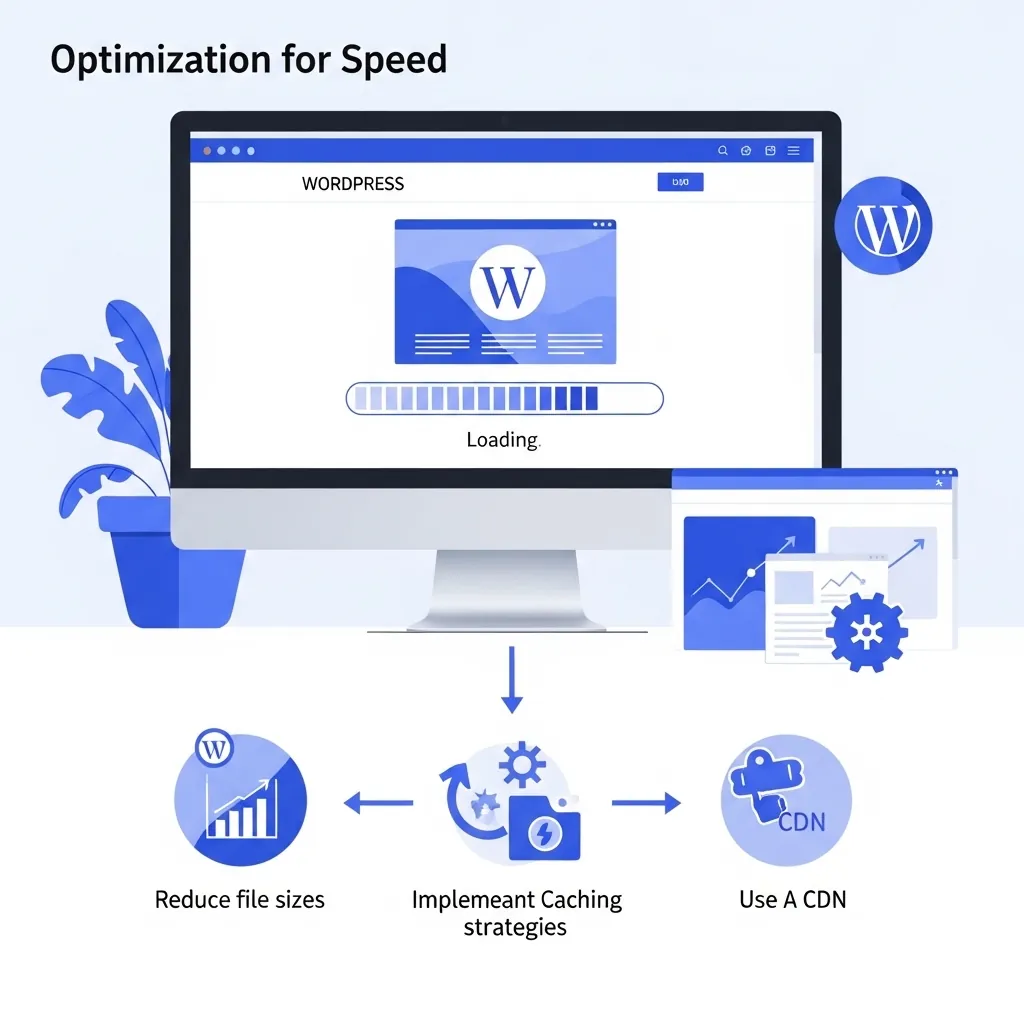
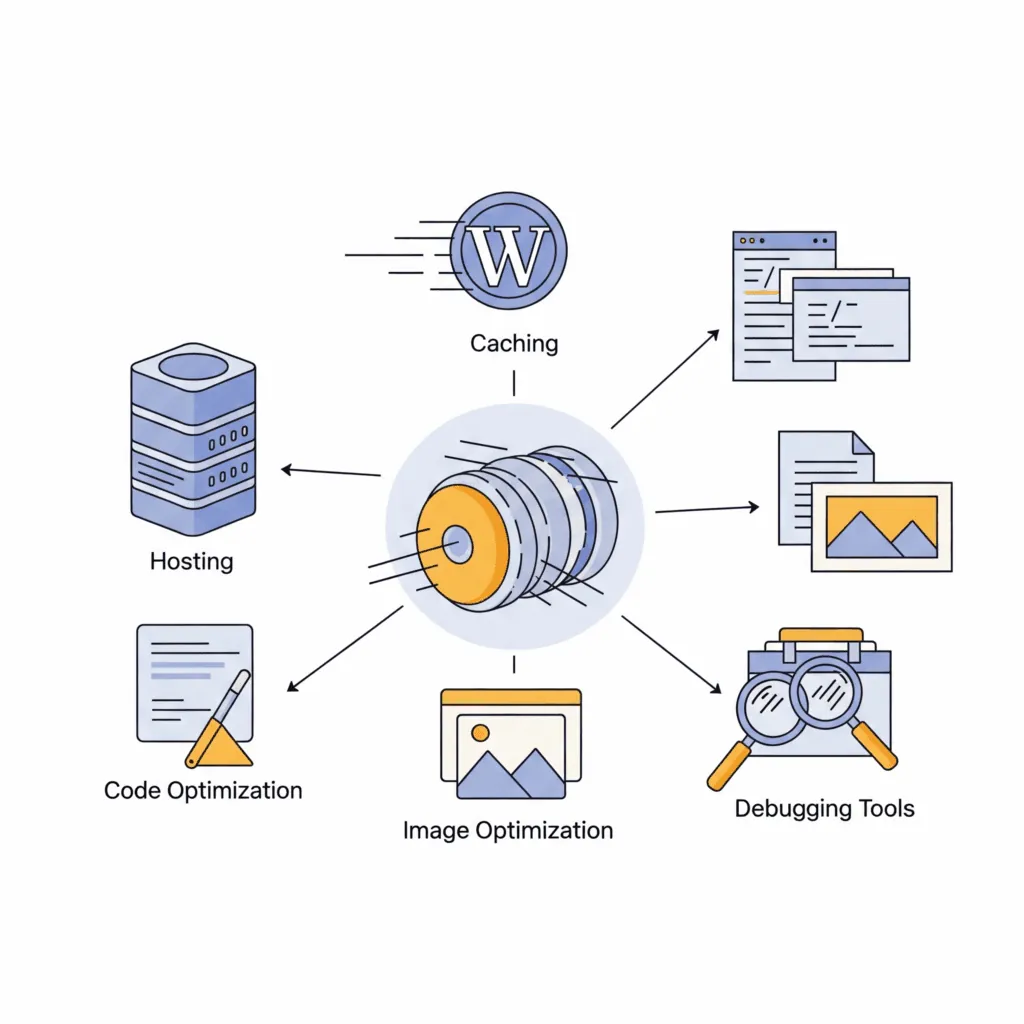
WordPress and Elementor Speed Optimization in South Africa

Our general guide to WordPress speed optimisation covers the common causes of a slow WordPress site. Elementor sites have their own specific set of problems on top of those, because of how the page builder itself loads and renders a page, and fixing Elementor speed properly means understanding those specifics rather than applying generic advice.
Why Elementor Sites Run Slower Than Plain WordPress
Elementor is a visual page builder, which means it has to load extra CSS and JavaScript to make the drag and drop editor and its widgets work on the front end, on top of whatever your theme and plugins already load. On an unoptimised setup, this shows up in a few specific, identifiable ways:
Elementor’s core assets load on every page. Older or default configurations load Elementor’s full CSS and JS files site-wide, even on pages using only a handful of simple widgets, which is unnecessary weight the visitor’s browser has to download and parse regardless of whether it is used.
Every widget can load its own CSS and JS file. Each widget you drag onto a page, an icon box, a testimonial slider, an image carousel, can add its own small file. Individually these are minor, but a content-heavy page built from a dozen widgets can generate a genuinely long list of separate requests.
Motion effects and entrance animations add real weight. Elementor’s built in animations look good but load additional JavaScript to run them, and poorly configured entrance animations are a common, specific cause of layout shift, which directly hurts your Cumulative Layout Shift score, one of Google’s three Core Web Vitals.
Theme Builder headers and footers can be rebuilt on every request. If you use Elementor Pro’s Theme Builder for your header and footer, an uncached or misconfigured setup can mean those elements are recalculated on every single page load rather than served from a fast, static cache.
Fixing Elementor Speed Properly
Turn on Elementor’s built in optimisation features. Elementor includes experimental features called Improved Asset Loading and Optimized DOM Output, which load only the CSS and JS a specific page actually uses rather than loading everything site-wide. These are genuinely effective when enabled and tested properly, but they can occasionally break a widget that depends on assets loading in a specific way, so they need testing across the whole site, not just switching on and hoping.
Audit widget use, not just plugin count. A page built from twenty small widgets adds up differently to one built from three larger sections. Reducing genuinely unnecessary widgets, and replacing heavy carousel or slider widgets with simpler, lighter alternatives where the design allows, removes real weight.
Configure animations deliberately, not by default. Entrance animations should be used where they add real value, not applied to every element by habit. Where they are used, making sure the space for animated content is reserved in advance prevents the layout shift that hurts Core Web Vitals.
Cache Theme Builder templates properly. Headers, footers, and any Theme Builder templates need to be served from cache like the rest of the page, not recalculated on every load, which is a caching configuration issue as much as an Elementor one.
Get the fundamentals right too. Everything in our general WordPress speed guide, image optimisation, proper caching, decent hosting, still applies on top of the Elementor specific fixes, and our full DIY speed checklist walks through each of those steps in detail. Elementor issues compound existing problems, they rarely cause a slow site entirely on their own.
When Elementor Genuinely Cannot Be Fixed Fast Enough
Sometimes a heavily built out Elementor site, particularly an older one with years of accumulated widgets, plugins, and page builder revisions, has accumulated enough weight that optimisation alone will not get it into genuinely fast territory. At that point the honest recommendation is a rebuild, either a leaner WordPress setup or a custom built site with no page builder overhead at all, which is what this very site runs on.
If your Elementor site feels sluggish and you are not sure whether it needs optimisation or a rebuild, request a quote and we will give you an honest read on which one actually fixes it. We will always try optimisation first where it can genuinely get you into good Core Web Vitals territory, a rebuild is only the right call when the numbers show it actually is.
Frequently Asked Questions
Why is my Elementor website slower than a plain WordPress site?
Elementor loads extra CSS and JavaScript to power its widgets and the visual editor, on top of whatever your theme and plugins already load. Each widget can add its own file, and features like entrance animations add further weight, which is why an unoptimised Elementor site often runs noticeably slower than an equivalent plain WordPress page.
Can I fix Elementor speed without switching page builders?
In most cases, yes. Enabling Elementor’s Improved Asset Loading and Optimized DOM Output features, auditing and reducing unnecessary widgets, configuring animations deliberately, and making sure Theme Builder templates are properly cached usually brings real, measurable improvement without abandoning the page builder.
Do Elementor animations affect Core Web Vitals?
Yes, particularly Cumulative Layout Shift. Poorly configured entrance animations can cause visible layout shift as elements animate into position, which directly hurts your CLS score. Reserving space for animated content in advance and using animations deliberately rather than by default helps avoid this.
When should an Elementor site be rebuilt instead of optimised?
When a site has accumulated years of widgets, plugins, and page builder overhead to the point where optimisation alone cannot bring it into genuinely fast territory, a rebuild, either a leaner WordPress setup or a custom built site with no page builder overhead, is usually the more honest long term fix.
Does JWD build sites with Elementor?
We build on the platform that suits the client, WordPress with Elementor for many business sites, and fully custom built sites where speed and security are business critical. This site is custom built rather than Elementor, which is part of why it loads the way it does.
Related reading: WordPress Speed Optimization • What Makes Divi So Slow • Custom Website Development