Why Is My WordPress Website So Slow? (And How to Fix It)
A slow website is more than an annoyance. Visitors leave, Google notices, and every second of delay quietly costs you enquiries and sales. If your WordPress site has started to feel sluggish, especially on a phone, you are not imagining it, and the good news is that slow WordPress sites almost always have fixable causes.
This guide walks through the most common reasons a WordPress site loads slowly in South Africa, in plain language, and what actually fixes each one. No deep technical knowledge needed.
First, How Slow Is Too Slow?
A quick gut check before we dig in. Most visitors start giving up if a page takes more than about three seconds to load, and on mobile that patience is even shorter. South African visitors are often on mobile data or in areas with a weaker signal, so a site that feels fine on your office fibre can feel painfully slow to a real customer on the road.
You can check your own site for free with Google’s PageSpeed Insights tool. Paste in your homepage address and it will give you a mobile and a desktop score, along with a list of what is slowing things down. It is the same starting point we use.
The Most Common Reasons a WordPress Site Is Slow
1. Cheap or overseas hosting
This is the big one, and the one people least expect. Your hosting is the ground your site is built on, and cheap shared hosting crams hundreds of sites onto one server, so yours crawls when the others get busy. Worse, if your site is hosted overseas, every visit has to travel across the world and back, which adds a delay on every single page load for your South African visitors.
The fix is hosting built for the job, on local servers. Our managed local hosting runs on South African infrastructure, which shortens that trip and keeps pages quick for local customers. We explain the location angle in more detail in why local South African hosting matters.
2. Too many plugins, or heavy ones
Plugins add features to WordPress, but every one you install adds a little weight, and some add a lot. A site with dozens of plugins, or a few badly built ones, spends so long loading extra code that the actual page suffers. Old plugins you no longer use are the worst of both worlds, they slow the site and create security gaps.
The fix is a proper clean-up: remove what you do not use, replace heavy plugins with lighter ones, and keep the rest updated. This is exactly the kind of work our WordPress speed optimization service handles.
3. Large, unoptimised images
Images are usually the single heaviest thing on a page. A photo straight off a phone or camera can be several megabytes, far larger than a web page needs, and a page full of them will always load slowly. This is one of the most common causes we see, and one of the easiest to fix.
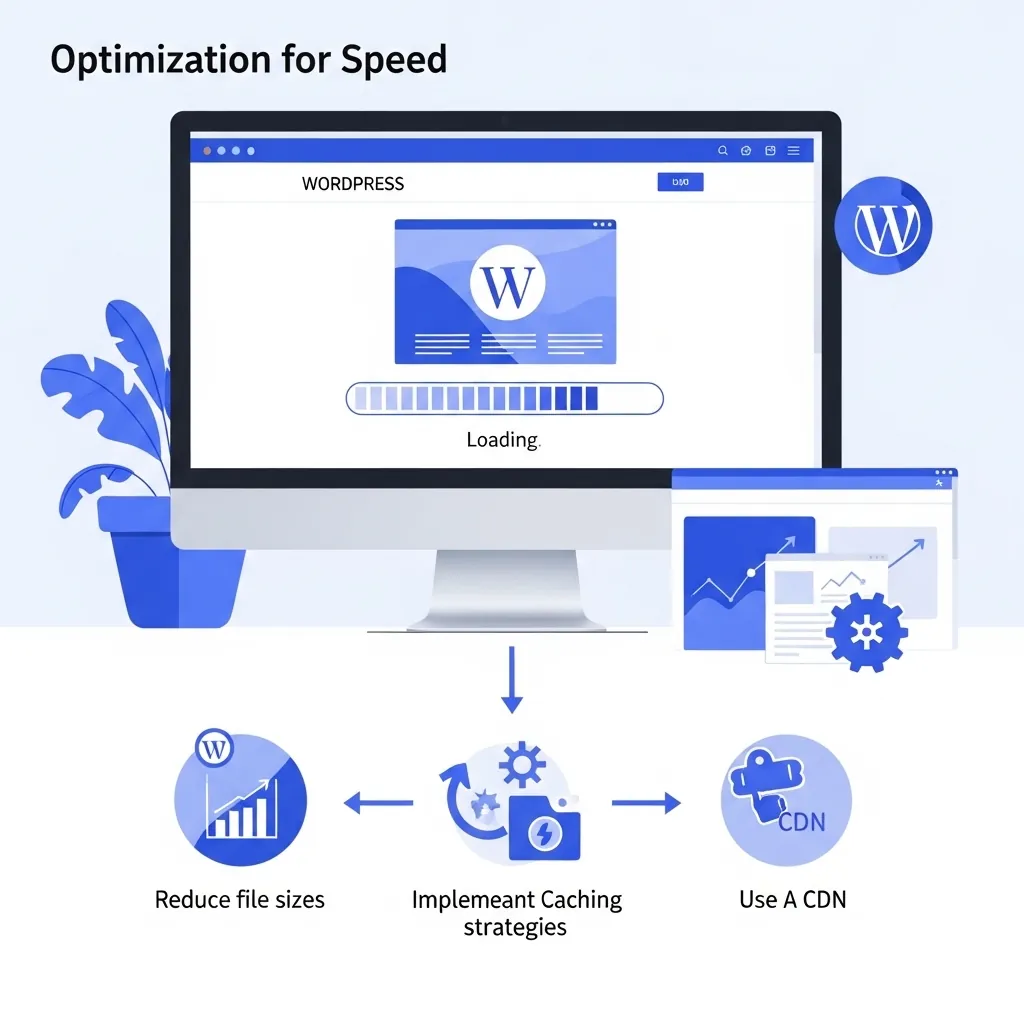
The fix is to resize and compress images so they look identical but weigh a fraction as much, and to let the browser load them only as the visitor scrolls. Done properly, this alone can transform a slow page.
4. No caching
Without caching, WordPress rebuilds your page from scratch for every single visitor, which is slow and wasteful. Caching saves a ready-made copy of your page and serves that instead, so it loads almost instantly.
The fix is proper caching, set up correctly for your site. It is one of the highest-impact speed wins there is, and it costs nothing but the know-how to configure it well.
5. Outdated software (which also gets you hacked)
Running an old version of WordPress, your theme, or your plugins does two bad things at once. It leaves security holes that bots actively hunt for, and it causes conflicts that slow the site or break features. If your site is both slow and you worry it might be vulnerable, this is very often the shared cause.
The fix is keeping everything current and tested, which is what ongoing website maintenance is for. Security and speed are closely linked, and our guide to website security for South African businesses covers the safety side.
6. A bloated theme
Some WordPress themes are packed with features and sliders and effects you will never use, and all of that weight loads on every page. A lighter, well-built theme, or a properly optimised custom build, loads far faster because it only carries what your site actually needs. Page builders like Elementor and Divi have their own specific version of this problem, covered in our dedicated Elementor speed optimisation guide and Divi speed guide.
How to Fix a Slow WordPress Site, Step by Step
If you want to tackle it yourself, work through it in this order, because it roughly follows the biggest wins first:
- Test your site on Google PageSpeed Insights so you have a starting score.
- Check your hosting. If it is cheap shared hosting or hosted overseas, that is likely your biggest single issue.
- Optimise your images, resize and compress the heavy ones.
- Set up proper caching.
- Audit your plugins, remove what you do not use, and update the rest.
- Retest and compare your score.
For a more detailed walk-through, our guide on how to speed up WordPress fast goes deeper into each step.
When to Hand It Over
Some of this you can do yourself. Some of it, particularly hosting moves, caching configuration, and diagnosing what is actually dragging a specific site down, is fiddly and easy to get wrong. If your site matters to your business and you would rather it was simply fixed, that is what we do.
Our WordPress speed optimization service finds what is slowing your site and fixes it, and our managed hosting keeps it fast afterwards. Request a quote and tell us what your site is doing, and we will take a look.
Occasionally the honest answer is that the platform itself is the weight, and a rebuild beats another round of optimisation. Our case study on iOrganic covers a WooCommerce store we replaced with a custom build for exactly that reason, and what it measured afterwards.
Related reading: A DIY WordPress Speed Checklist: Fixes a Business Owner Can Do in an Afternoon, WordPress Server and Hosting Optimisation: PHP, OPcache, Object Caching, HTTP/3 and CDN.
Frequently Asked Questions
Why is my WordPress website so slow all of a sudden?
A sudden slowdown usually points to one of a few things: a recent plugin or theme update causing a conflict, a large batch of new images added without being optimised, your hosting getting busier, or a security issue. Testing the site on Google PageSpeed Insights and checking what changed recently is the quickest way to narrow it down.
Does slow hosting really make that much difference?
Yes, often more than anything else. Cheap shared hosting and overseas servers are two of the most common causes of a slow site for South African visitors. Moving to proper local hosting frequently gives the single biggest speed improvement, because it shortens the distance data has to travel and gives your site room to breathe.
Can too many plugins slow down my site?
Yes. Every plugin adds code that loads with your pages, and heavy or poorly built plugins add a lot. Unused and outdated plugins are especially bad, because they slow the site and create security risks. Removing what you do not need and keeping the rest updated is a reliable speed win.
Is a slow website bad for my Google ranking?
Yes, though not as directly as it is usually put. Core Web Vitals are among the page experience signals Google’s ranking systems consider, and Google is clear that good scores do not guarantee high rankings. What is certain is that a slow site loses visitors before they see your content. Fixing speed removes a disadvantage in search and improves the number of visitors who stay long enough to become customers.
How much does it cost to fix a slow WordPress site?
It depends on what is causing the slowness, so we quote per site after taking a look. Some sites need a quick clean-up, others need a hosting move or deeper optimisation. Request a quote and we will assess your site and give you an honest picture of what it needs and what it will cost.