Static Website vs WordPress vs Custom CMS: Which Should Your Business Choose?
Ask three web designers what kind of website you need and you can get three different answers: a static site, a WordPress site, or something “custom”. They are not the same thing, they do not cost the same, and they do not age the same way. This guide puts them side by side in plain language, so you can see what you are actually buying.
The short answer: a static website is the fastest and simplest, but you cannot edit it yourself. WordPress, or another standard CMS platform, lets you edit it yourself, but relies on themes and plugins that need constant updating, and even with a drag-and-drop page builder you are working within what those tools allow. A custom CMS gives you your own admin area to edit everything, without the plugin stack. For most businesses that plan to grow and keep their site current, a custom CMS is the best long-term choice, and it is the one we recommend first.
Static Website vs WordPress vs Custom CMS at a Glance
| Static website | WordPress or a standard CMS | Custom CMS | |
|---|---|---|---|
| Can you edit it yourself? | No, changes are made in code | Yes, in a familiar editor | Yes, in your own admin area |
| Speed | Very fast | Good, depends on theme and plugins | Fast, only what you need is loaded |
| Third-party plugins to update | None | Many, updated regularly | None |
| Licences to renew | None | Paid themes and plugins often need yearly renewals | None |
| Online store | Not offered | Yes, with WooCommerce | Yes, built around your products |
| Built around your business | Design yes, editing no | Design yes, built from existing parts | Yes, the whole system |
| How far it can go | Anything, but only a developer can change it | Within what the theme, page builder and plugins allow | Built for what your business needs |
| Hosting | Almost any host | Almost any host | Needs hosting that can run it |
| JWD price, 1 to 3 pages | R2,500 | R3,000 | R4,000 |
What Is a Static Website?
A static website is a set of pages built in advance and served exactly as they are. There is no database working behind the scenes and no login screen. When someone visits, the page is simply handed over, which is why static sites load so quickly and have so little to go wrong.
The catch is that there is nowhere to log in and make changes. To update a static site, someone edits the code. If you are comfortable with that, you can do it yourself. Most business owners are not, so changes go through a developer. At JWD that is our website maintenance rate of R450 an hour, agreed before any work starts.
Choose a static website when your content rarely changes, you want the fastest and lowest-maintenance site possible, and you do not need an online store. Think of a consultant, a trade business or a professional practice with a settled list of services.
What Is WordPress, or a Standard CMS Platform?
CMS stands for content management system: software that lets you edit your website through a dashboard instead of code. WordPress is by far the best known, alongside other standard platforms that work the same way. If you want the full background, our guide to what a CMS is covers it in detail.
WordPress and other standard CMS platforms are general-purpose. They are built to run millions of different websites, so every site starts from the same base and gets its look from a theme and its features from plugins. That is their strength: there is a plugin for almost everything, and many people know how to use them. It is also their weakness. Every theme and plugin is third-party code that needs regular updates, some come with yearly licence fees, and that code is where the security problems tend to be: Patchstack’s State of WordPress Security in 2026 report found that 91% of the new WordPress vulnerabilities reported in 2025 were in plugins and 9% in themes. Our page on WordPress website design explains how we build WordPress sites to keep that risk down.
What About Drag-and-Drop Page Builders?
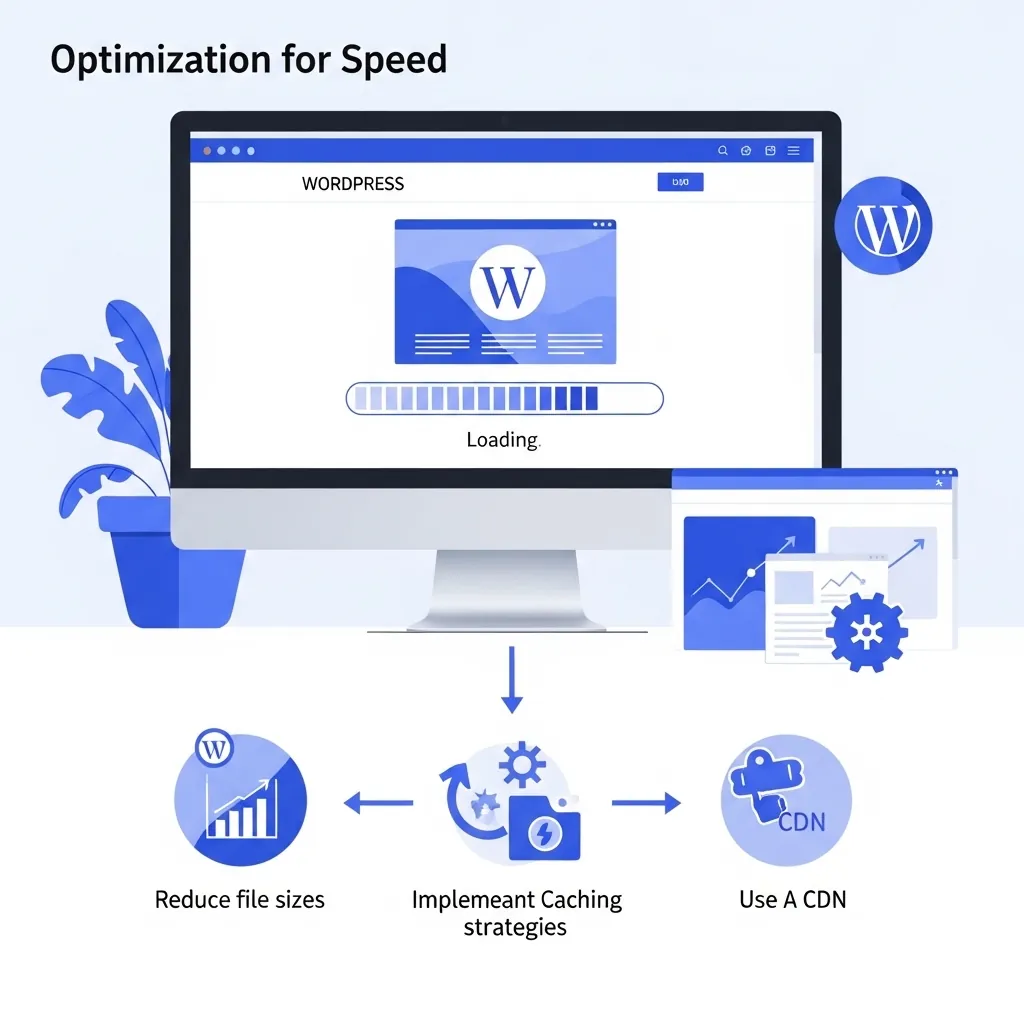
Page builders such as Elementor and Divi make WordPress feel more flexible: you drag blocks around the page and see the result as you go. We build with both, and they are genuinely useful. But they move the limits rather than remove them:
- You still work inside the builder’s boxes. You can arrange the modules and widgets it offers, but a layout or feature it does not offer means another plugin or custom code.
- Extra weight on every page. To make drag and drop work, builders load their own styles and scripts on top of the theme and plugins, and can produce deeply nested page code. Our guides to Elementor speed and why Divi sites can be slow show where that weight comes from.
- Easy to knock out of shape. Visual editing puts spacing, fonts and layout within reach of every edit, so a carefully designed page can drift over time.
- One more thing to update, and hard to leave. The builder is another plugin to keep current, and pages built in one builder cannot simply be moved to another without rebuilding them.
A custom CMS takes a different approach: the admin area lets you change your content, such as text, images, products and prices, while the design stays protected. You get less freedom to rearrange layouts yourself, and in return the site keeps looking the way it was designed and stays lean.
Choose WordPress or a standard CMS when you want an editor that many people already know, you need a feature that an established plugin already does well, or you want the lowest cost for a site you can edit yourself.
What Does “Custom” Mean?
“Custom” gets used loosely. Sometimes it only means a custom design: a site that looks unique but is still built on a theme and plugins underneath. Our comparison of custom websites and templates covers that design side.
In this guide, custom means custom-coded: the website itself is written for your business, rather than assembled from a general-purpose platform. The code only does what your site needs, which is where the speed and simplicity come from.
What Is a Custom CMS?
A custom CMS combines the two ideas. The website is custom-coded, and it comes with its own admin area built for your business, so you can still log in and update your pages, images, posts, products and prices yourself.
The difference from WordPress is what sits underneath. There is no third-party theme and no stack of plugins, so there is nothing to keep patching every week and no plugin licences to renew. The admin area only shows the things your business actually manages, which makes it simpler to use. And because it is built around how you work, adding a feature later means building that feature properly, not finding a plugin that roughly does it.
The honest trade-offs: a custom CMS costs more up front than the other two, and it needs hosting that can run it. Our hosting can; not every host can, so if you want to use your own we check it with you first.
Why a Custom CMS Is the Best Long-Term Choice for Most Businesses
If your website is going to be a working part of your business, updated regularly and expected to grow, a custom CMS gives you the best of both worlds:
- You stay in control. Like WordPress, you can edit your own content without calling a developer.
- Far less upkeep. Without a plugin stack, there is much less software to update and much less third-party code that can break or be exploited.
- No licence treadmill. No yearly renewals for premium themes and plugins.
- Lean and fast. Only the code your site needs is loaded, so pages stay quick.
- Built around your business. The admin area and the site fit how you work, including online stores built around your own products.
- Room to grow. New features are built into the system instead of bolted on.
A static site wins on price and raw simplicity, and WordPress wins when you need a very specific plugin or the lowest cost for an editable site. But when you add up control, upkeep and room to grow over the years you will own the site, the custom CMS is the one most businesses end up wishing they had started with. You can see the kind of custom work we do in our iOrganic case study, a custom-built online store with its own admin area that replaced a WooCommerce store, and in the IMJ OHS Training case study, a safety training provider that edits every course, article and setting from its own admin area.
When a Custom CMS Is Not the Right Choice
We would rather tell you now than sell you the wrong thing:
- If your content will hardly ever change, a custom static website gives you the speed for less money.
- If you already know WordPress, or need a particular plugin, a WordPress website is the sensible call.
- If your hosting cannot run a custom CMS and you do not want to move it, WordPress or static will be easier.
For custom static and custom CMS builds we choose the technology per project, based on what the site needs to do. For WordPress, we agree the theme and plugins with you.
What Each Option Costs at JWD
| Package | Custom static | WordPress | Custom CMS |
|---|---|---|---|
| 1 to 3 pages | R2,500 | R3,000 | R4,000 |
| 3 to 5 pages | R3,500 | R4,000 | R5,000 |
| Business, up to 12 pages | R6,000 | R6,500 | R7,500 |
| Online store, 10 products set up | Not offered | R7,000 | R8,500 |
These are once-off design and build prices. Hosting, domain registration and ongoing SEO are separate, and each product page lists exactly what is and is not included. For the full picture of what moves a website’s price, see our guide to website costs in South Africa, or compare the three side by side on our packages page.
Frequently Asked Questions
What is the difference between a static website and WordPress?
A static website is built in advance and has no admin area, so changes are made in the code. WordPress, like any CMS, gives you a dashboard where you can edit pages and posts yourself. Static sites are faster and need less upkeep; WordPress is easier to keep current without a developer.
Is a custom CMS better than WordPress?
For most businesses that update their site regularly and plan to grow, yes. A custom CMS gives you your own admin area without the third-party themes and plugins WordPress relies on, so there is less to update and no plugin licences to renew. Page builders make WordPress easier to edit visually, but you are still working within what the theme, builder and plugins allow. WordPress costs less up front and has a huge plugin ecosystem, which makes it the better fit if you need a specific plugin.
Can I update a static website myself?
Only if you are comfortable editing code, because a static site has no admin area. Otherwise changes are made by a developer. At JWD that is billed at our hourly website maintenance rate, agreed before the work starts.
Why does a custom CMS need special hosting?
A custom CMS runs an application behind its admin area, and not every hosting plan is set up for that. JWD’s hosting is. If you want to use your own hosting, we check that it can run the CMS before the build starts.
Which kind of website is cheapest?
A custom static website: from R2,500 at JWD for 1 to 3 pages, compared with R3,000 on WordPress and R4,000 for a custom CMS. The cheapest option is only the best value if you will not need to edit the site yourself.